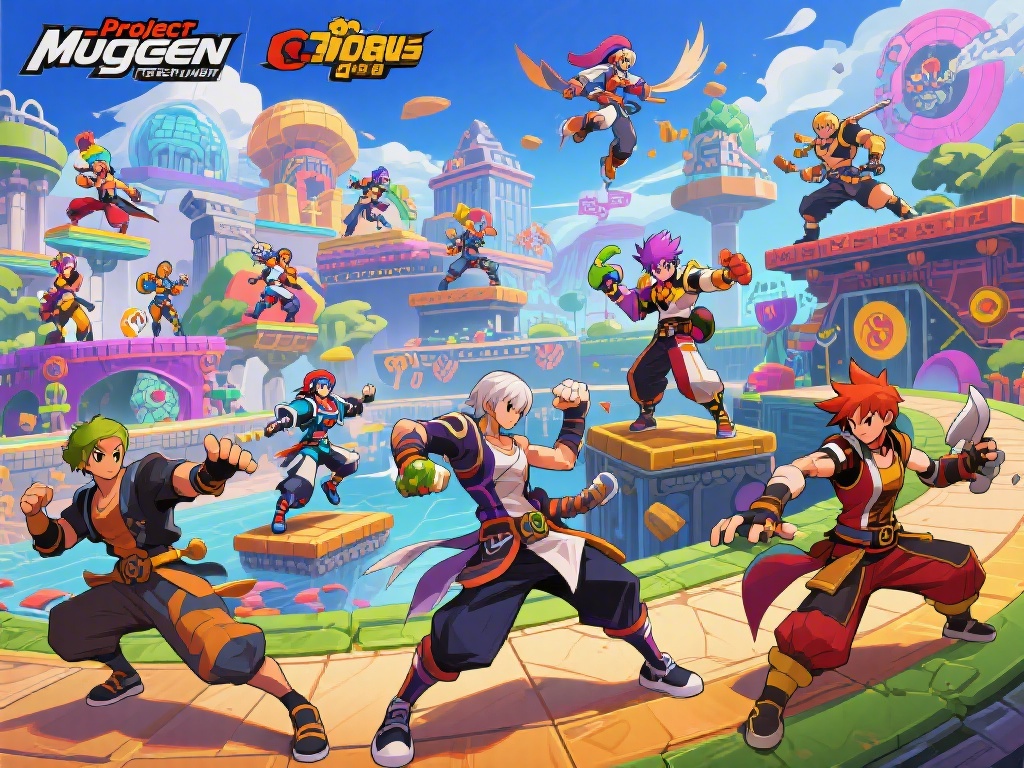
Introduction to Project Mugen
Project Mugen is a popular fighting game engine that allows players to create their own characters and stages. Whether you're a seasoned Mugen player or just starting out, customizing stages can take your gameplay to the next level. In this ultimate guide, I'll walk you through the process of customizing stages in Project Mugen, from basic adjustments to advanced techniques.
Understanding Stage Files
Before diving into customization, it's important to understand the structure of stage files. Stage files are typically in the ".png" format and contain all the elements of a stage, including backgrounds, floors, and objects. To customize a stage, you'll need to edit these files using image editing software like Photoshop or GIMP.
Basic Customization Techniques
Once you have your stage files open, you can start making basic adjustments. Here are some simple techniques to get you started:
- Change Backgrounds: Replace the background image with your own custom design. This can be as simple as finding a new image online or creating your own from scratch.
- Modify Floors: Change the floor texture or add new floors to create unique environments. You can also adjust the floor's height and slope to create more challenging stages.
- Add Objects: Objects like platforms, ladders, and obstacles can make your stage more interesting and challenging. Simply add new images to the stage file and position them as desired.
Advanced Customization Techniques
Once you've mastered the basics, it's time to dive into more advanced customization techniques. Here are some tips to help you take your stage customization to the next level:
- Use Layers: Utilize layers in your image editing software to organize and manage different elements of your stage. This makes it easier to make adjustments and experiment with different ideas.
- Animate Stages: Add animation to your stage by creating multiple images and using a script to cycle through them. This can create a more dynamic and engaging gameplay experience.
- Customize Sounds: Replace the default stage sounds with your own audio clips. This can add an extra layer of immersion and make your stage feel more unique.
Community & Tournaments
Customizing stages in Project Mugen is not just about personal enjoyment; it's also a great way to connect with the Mugen community. Share your custom stages with other players, join tournaments, and collaborate on new projects. The Mugen community is always looking for talented creators to contribute to the game.
Conclusion
Customizing stages in Project Mugen is a fun and rewarding way to enhance your gameplay experience. By following this ultimate guide, you can learn the basics and advanced techniques to create unique and engaging stages. So, grab your image editing software, let your creativity flow, and start customizing your own stages in Project Mugen today!